each space has at least one VS Code window and one browser window.
all windows maximized.
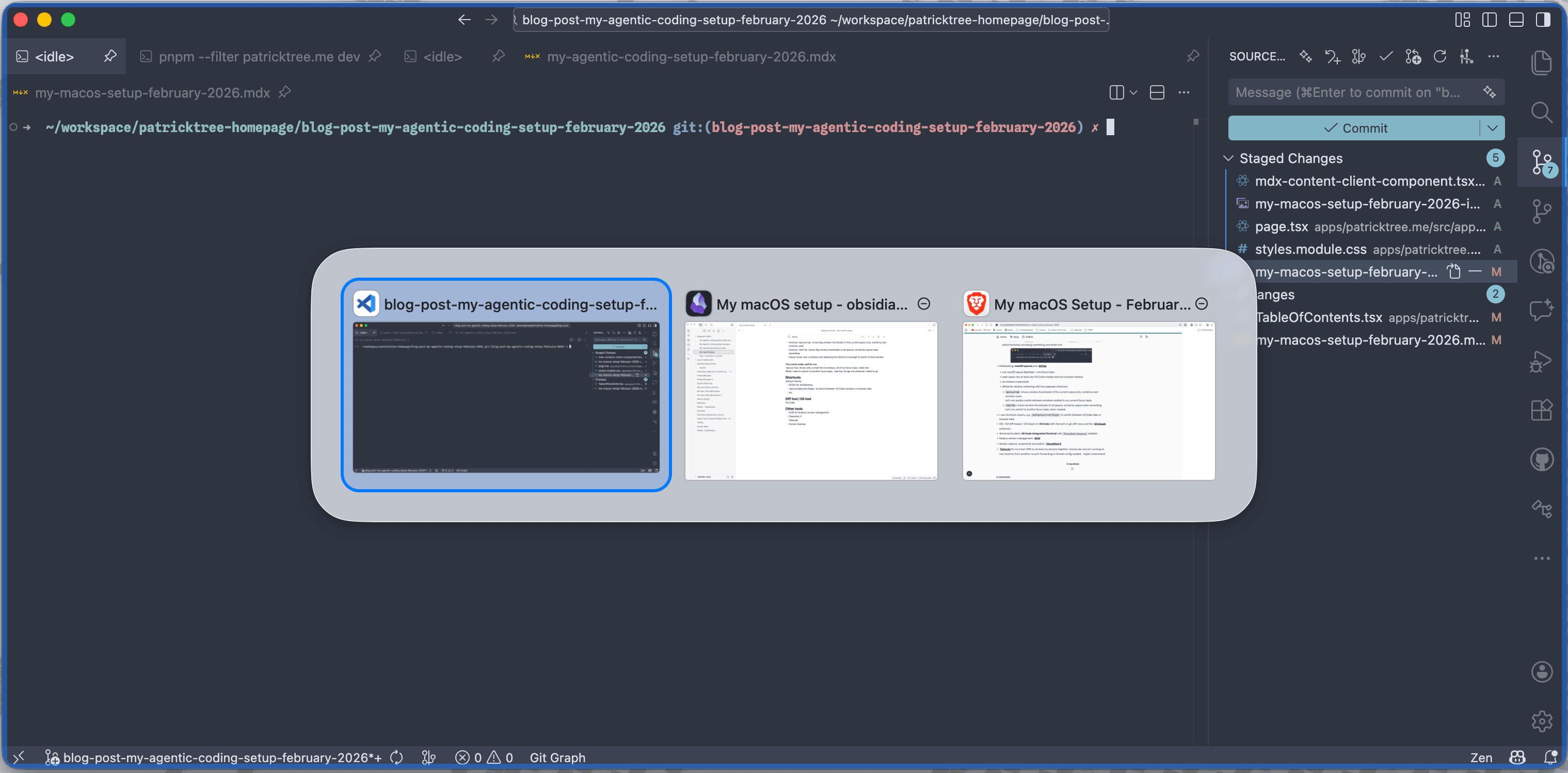
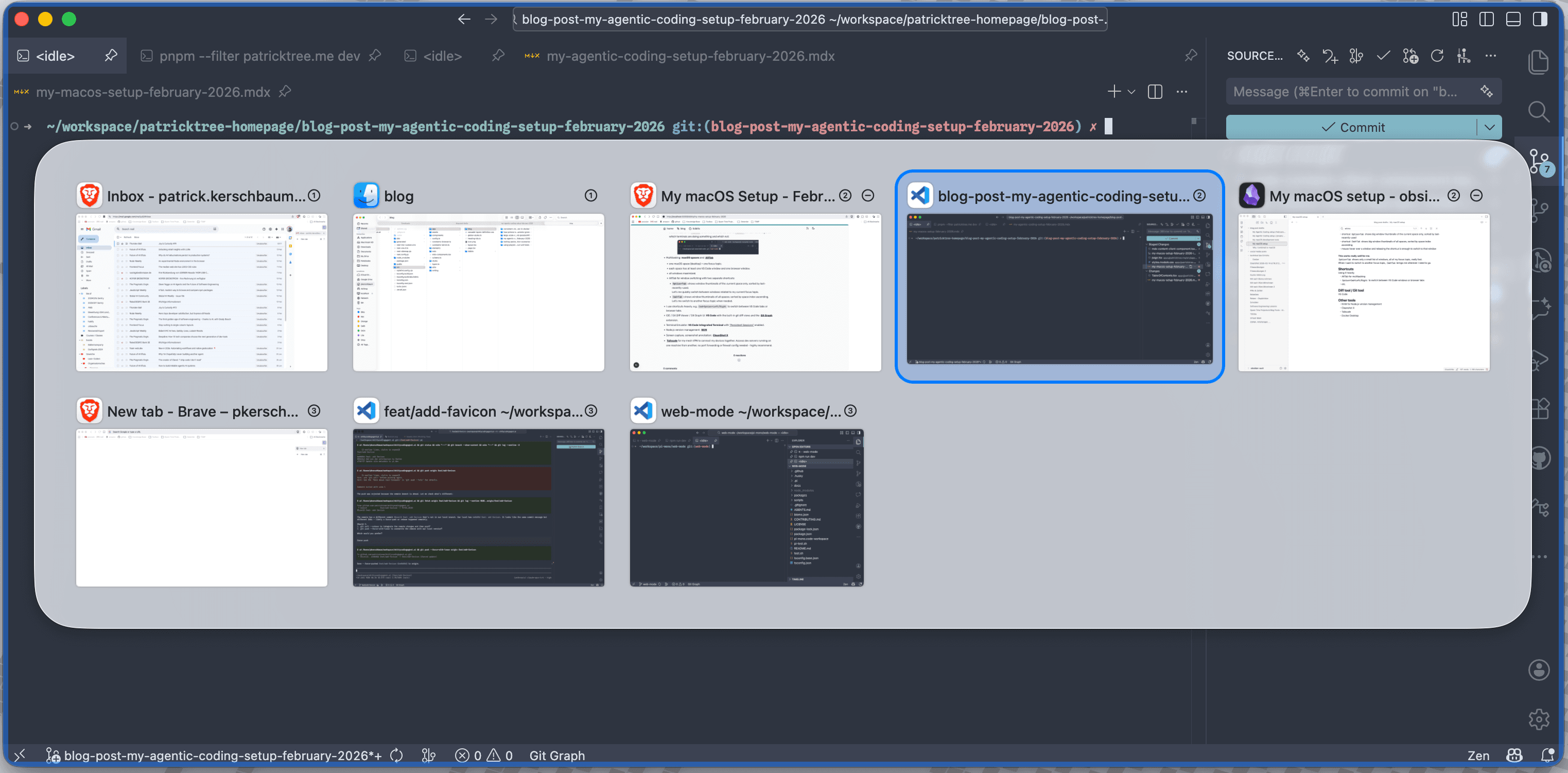
AltTab for window switching with two separate shortcuts:
Option+Tab: shows window thumbnails of the current space only, sorted by last-recently-used.
Lets me quickly switch between windows related to my current focus topic.
Cmd+Tab: shows window thumbnails of all spaces, sorted by space index ascending.
Lets me switch to another focus topic when needed.
Option+Tab: window thumbnails of the current space only, sorted by last-recently-used.Cmd+Tab: window thumbnails of all spaces, sorted by space index ascending.
IDE / Git Diff Viewer / Git Graph UI: VS Code with the built-in git diff views and the GitGraph extension.
Screen capture, screenshot annotation: CleanShotX. Works great, believe me, it is worth the one-time ~$30 investment.
Tailscale for my mesh VPN to connect my devices together. Access dev servers running on one machine from another, no port forwarding or firewall config needed - highly recommend.
In general I use shortcuts heavily, e.g. Cmd+Option+Left/Right to switch between VS Code tabs or browser tabs.
 By patricktree