My Agentic Coding Setup - February 2026
 By patricktree
Terminal Emulator #
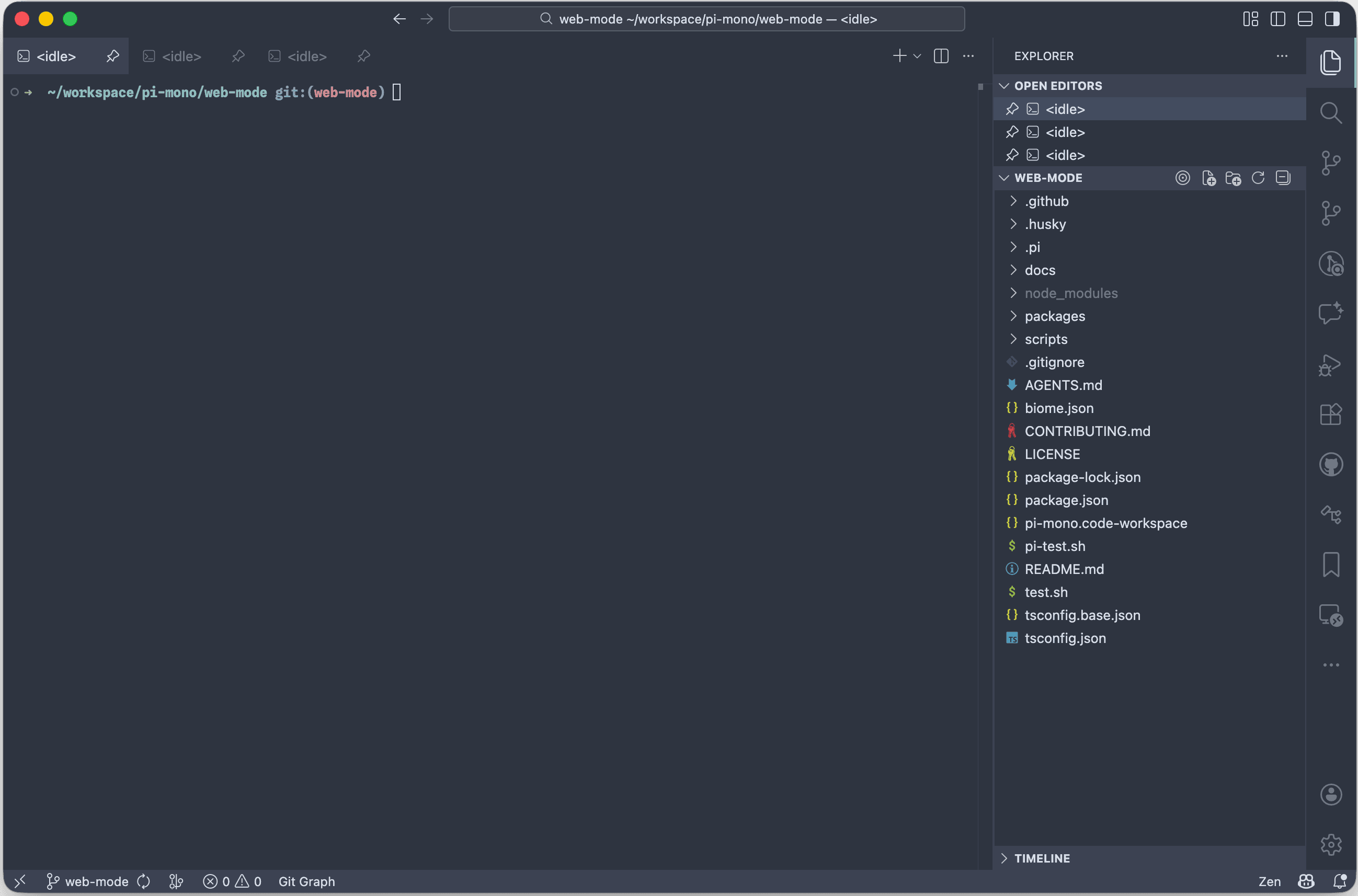
Reasons:
- Best-in-class click-to-action behavior. Detects file paths, URLs and shell commands very reliably in the terminal output.
Cmd+Clickopens files in VS Code, URLs in my default browser (Brave) and runs shell commands directly in the terminal. - IDE tools right next to the terminal. I have
terminal.integrated.defaultLocationset toeditor, so every new terminal is a tab in the editor area. Feels like a full-screen terminal.
Git diff views, git graph, file explorer, markdown preview, etc. open next to it as tabs or are available in the sidebar.
Cmd+Option+Left/Rightto switch between tabs. - Fast enough. Some people observe flickering with Claude Code in the VS Code terminal. I use Pi Coding Agent and have no flickering.
- macOS notifications when an agent needs input. Via my VS Code extension.
Alternatives:
- : great for terminal purists. Very fast, native OS notifications.
But I want git diff views and git graphs in a proper IDE. - : feels like a terminal plus IDE features.
Interesting, but my VS Code setup already gives me that.
Terminal Multiplexer #
✨ none ✨
The VS Code Sessions" feature restores terminal history across restarts.
This enables me to pick up where I stopped when I closed the VS Code window.
I still need to revive the original process (e.g. restart the dev server or resume the Pi session via pi --resume), but I keep VS Code windows open for long stretches, so this is good enough.
Some people use for persistent sessions, but it interferes with mouse interactions - text selection, scroll, and Cmd+Click on URLs/file paths break.
I tried it; not enough value to justify that tradeoff.
Only using it when Pi needs to run something in the background.
Coding Agent #
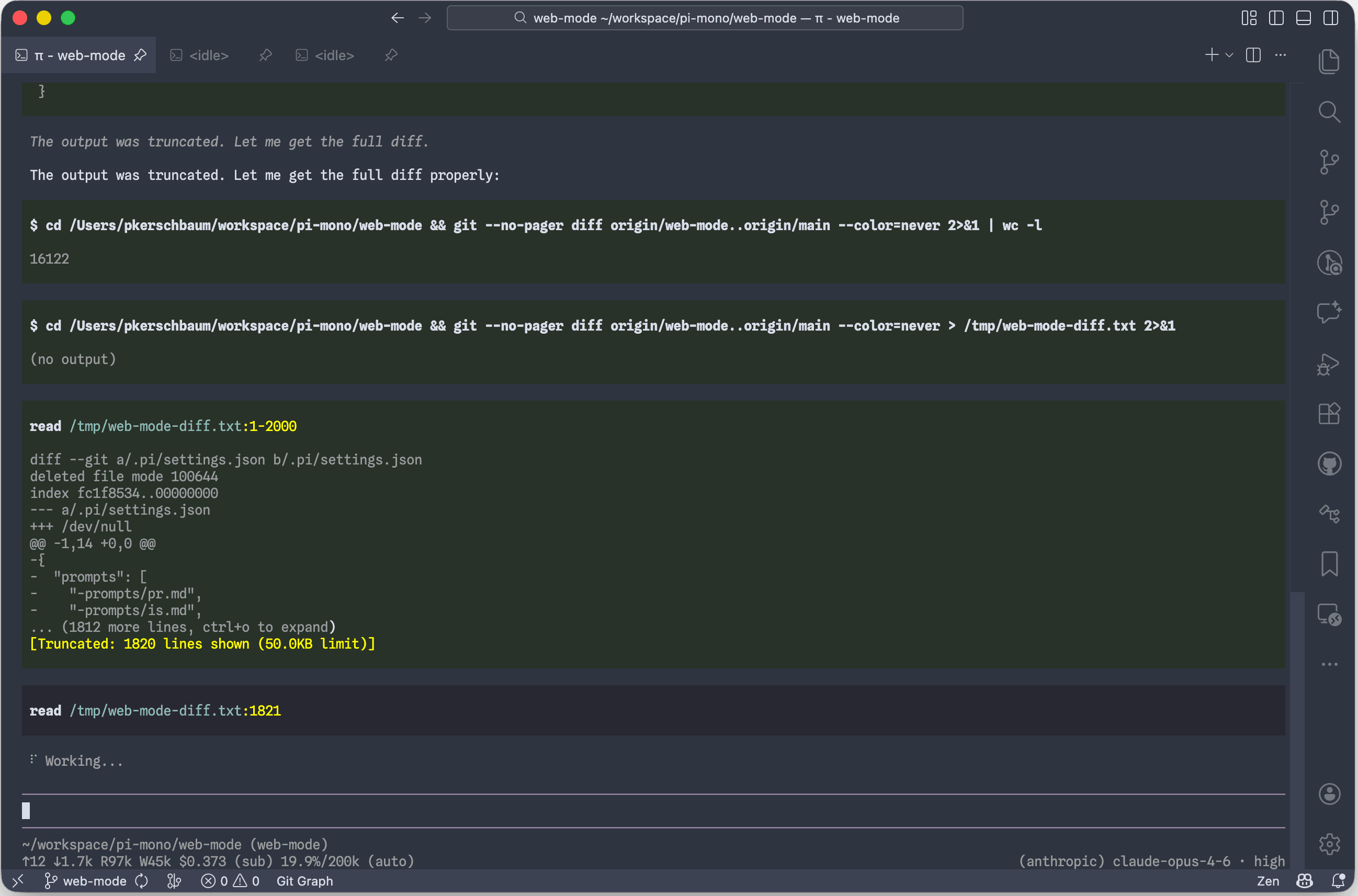
Reasons:
- Clear and explicit. Tool calls and thinking traces are clearly visible. Shows at startup what skills,
AGENTS.mdfiles, and extensions got loaded. No whimsical loading messages ("Combobulating..." etc.).
Just straightforward output. - Great UI. No flickering. Tool call backgrounds turn green/red on success/failure - love this.
- Great UX. Fast path autocompletion (including directories). The
/treerewind feature is clearer than Claude Code's or Codex's. - Steering vs follow-up. Two ways to submit prompts while the agent works:
Entersteers mid-flight (delivered after the current tool call),Option+Enterqueues a follow-up for when the agent is finished.
Use steer to course-correct, follow-ups for what needs to be tackled next.
Alternatives:
- Claude Code: Heavily collapses tool calls and thinking traces. Has slow path autocompletion. I don't need the checkpoint features (just using git). Flickers.
- Codex: Runs things in hard-to-observe background terminals. Its path autocompletion allows only to select files, not directories.
Model #
Opus 4.6 and gpt-5.3-codex.
Thinking/Effort level set to high.
People on X say they are the best. I haven't felt the need to explore other models yet.
AGENTS.md, Skills, and Customization #
I maintain my AGENTS.md and custom skills centrally at .
Read its README to see how I keep everything in sync across repositories.
AGENTS.md highlights #
- Node.js version switching via
nvm- agents check for.nvmrcand runnvm installat session start. pnpmusage - includingcorepack enablebefore anypnpmcommand.- "Run full validation when you think you are finished." This one instruction makes even gpt-5.2-codex actually run tests when it's done 😉.
Custom skills highlights #
- : Browser automation via
chrome-devtools-mcp. Works really well, and since it has the full power of Chrome DevTools the agent can do things like inspecting network requests, evaluating JavaScript in the page context, and reading console logs - not just browser interaction and taking screenshots. - : Opinions and good defaults for Node.js + TypeScript development. I hesitated to define this - I wanted the model to just gravitate towards whatever it prefers. But that led to avoidable issues: missing TypeScript/linting checks,
tsx/ts-noderunner bugs, outdated package configurations (maininstead ofexports,tsconfig.json#compilerOptions.pathsinstead ofpackage.json#imports, CJS instead of ESM). Codifying these opinions into a skill resolved all of that.
Tackling Complex Work across Multiple Increments #
Splitting complex work into multiple, smaller tasks is beneficial to have the agent focus on one thing at a time.
The question is how to manage the session history and context across those tasks.
I've tried three approaches to deal with this:
- Full compaction between tasks. Finish a task, compact the entire session, then continue with the next one.
- Incremental compaction via
/tree. After each task, compact only back to the point where that task started. This builds up a stack of compaction entries in the session, one per task. - Task tracker with fresh sessions. Use a tool like to plan and track tasks. After finishing a task, update the task state in
dex, then start a fresh session for the next one.
The agent picks up where things left off by reading the task tracker.
No clear winner on this one.
The full compaction approach is the simplest, but I fear the more often compaction happens, the more information is lost from previous tasks.
The incremental compaction approach preserves more history, but the session keeps growing (albeit with most of it compacted).
The task tracker approach is the cleanest, but requires discipline to keep the task descriptions up to date, which is extra overhead and friction.
I guess any task tracker like dex is beneficial when the work can be broken into well-defined steps upfront, when the path to the solution is clear.
Other things #
- Not using voice dictation. I tried it but it gets in my way when I need to reference files/directories or add images. Not feeling the value of it. Some people say the pre-November-2025 models needed more guidance, more human input, so maybe the tradeoff was worth it back then.